Install & Download:
# NPM
$ npm i vue-promise-dialogs
Description:
A tiny, modern, promise dialog library for Vue that works with asynchronous functions.
How to use it:
1. Import the Promise Dialog component.
import { createPromiseDialog } from “vue-promise-dialogs”
2. Create a basic promise dialog.
const BooleanDialog = Vue.extend({
  template: `
    <div class="dialog">
        <p>{{ params.text }}</p>
        <button name="true" @click="$emit('resolve', true)">True</button>
        <button name="false" @click="$emit('resolve', false)">False</button>
        <button name="cancel" @click="$emit('reject', 'cancel')">Cancel</button>
    </div>
  `,
  props: {
      params: {
          type: Object,
          required: true,
      },
  },
});
// First type argument is the type of params prop that will be passed to component
// Second type argument is the type of value with which the promise will be fulfilled
const openDialog = createPromiseDialog<{ text: string }, boolean>(BooleanDialog);
// When you call this function, dialog will be mounted to `PromiseDialogsWrapper`.
// When user press any button and resolve/reject event emitted, promise will be settled and dialog will be destroyed.
const result: boolean = await openDialog({ text: 'Some text' });
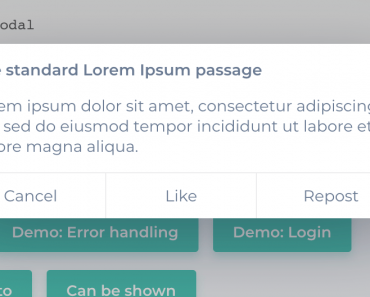
Preview:

Changelog:
07/17/2022
- v2.0.0: rewrite with vue-demi; support vue 3
06/23/2022
- v1.3.3: use object instead of Map to store dialogs data; improve tree-shaking by moving closeAll logic from PromiseDialogsWrapper
06/16/2022
- v1.3.2: update
02/15/2022
- v1.3.1: add default dialog unmount delay prop for PromiseDialogsWrapper
06/23/2021
- v1.2.0: add a way to force close and reject all dialogs
06/12/2021
- v1.1.0: add a way to delay dialog unmount
01/24/2021
- v1.0.2: Bug Fixes



If you’re working with Vue 3, you might take a look at vue3-promise-dialog which is very similar : https://github.com/rlemaigre/vue3-promise-dialog . I’m the author.