Install & Download:
# Yarn
$ yarn add vue-scroll-indicator
# NPM
$ npm install vue-scroll-indicator --save
Description:
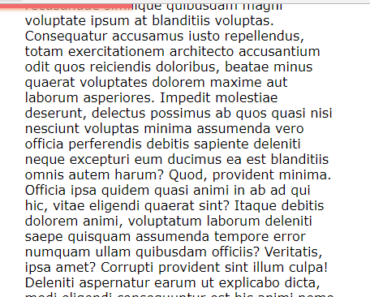
A Vue.js component to generate a top reading progress bar that auto-updates as you scroll down/up the web app.
How to use it:
1. Install and import the vue-scroll-indicator component.
import Vue from 'vue';
import { VueScrollIndicator } from 'vue-scroll-indicator';
Vue.component('vue-scroll-indicator', VueScrollIndicator);
// or
import VueScrollIndicator from 'vue-scroll-indicator';
Vue.use(VueScrollIndicator);
2. Add a basic reading progress bar to the template.
<vue-scroll-indicator></vue-scroll-indicator>
3. Config the reading progress bar with the following props.
<vue-scroll-indicator
  height="5px"
  color="linear-gradient(to right, #ec008c, #fc6767)"
  background="#eaeaea"
>
</vue-scroll-indicator>