Install & Download:
# Yarn
$ yarn add vue3-touch-events
# NPM
$ npm i vue3-touch-events
Description:
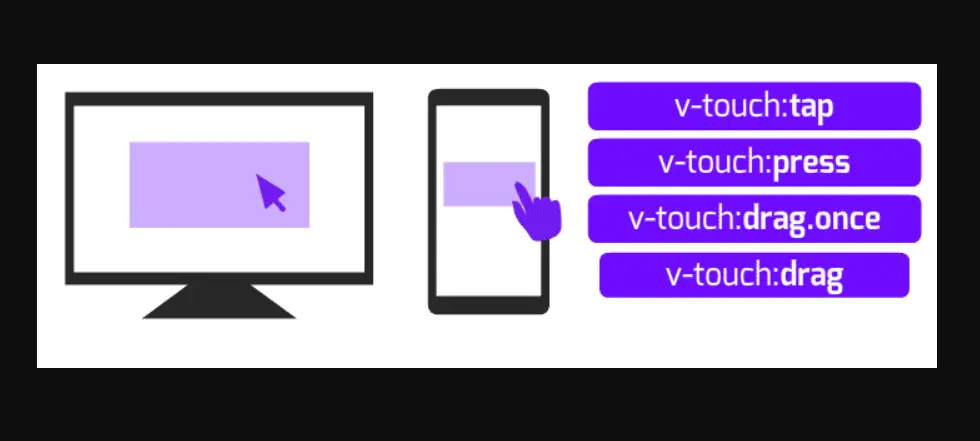
A library that handles and binds multiple touch events (such as tap, swipe, hold, drag, mouse down, etc.) in your Vue 3 applications.
How to use it:
1. Import and register the touch events plugin.
import Vue from "vue";
import Vue3TouchEvents from "vue3-touch-events";
Vue.use(Vue3TouchEvents);
2. Bind touch events using the v-touch directive.
<!-- bind a tap event -->
<span v-touch:tap="touchHandler">Tap Me</span>
<!-- tap is the default event, you can omit it -->
<span v-touch="touchHandler">Tap Me</span>
<!-- bind the swipe event, no matter direction -->
<span v-touch:swipe="swipeHandler">Swipe Here</span>
<!-- only when swipe left can trigger the callback -->
<span v-touch:swipe.left="swipeHandler">Swipe Left Here</span>
<!-- bind a long tap event -->
<span v-touch:longtap="longtapHandler">Long Tap Event</span>
<!-- bind a start and end event -->
<span v-touch:press="startHandler" v-touch:release="endHandler">Press and Release Events</span>
<!-- bind a move and moving event -->
<span v-touch:drag.once="movedHandler">Triggered once when starting to move and tapTolerance is exceeded</span>
<span v-touch:drag="movingHandler">Continuously triggered while dragging</span>
<!-- touch and hold -->
<span v-touch:hold="touchHoldHandler">Touch and hold on the screen for a while</span>
<!-- you can even mix multiple events -->
<span v-touch:tap="tapHandler" v-touch:longtap="longtapHandler" v-touch:swipe.left="swipeLeftHandler" v-touch:press="startHandler" v-touch:release="endHandler" v-touch:swipe.right="swipeRightHandler">Mix Multiple Events</span>
<!-- using different options for specified element -->
<span v-touch:tap="tapHandler" v-touch-options="{touchClass: 'active', swipeTolerance: 80, touchHoldTolerance: 300}">Different options</span>
<!-- customize touch effects by CSS class -->
<span v-touch:tap="tapHandler" v-touch-class="active">Customize touch class</span>
<!-- or -->
<span v-touch:tap="tapHandler" v-touch-options="{touchClass: 'active'}">Customize touch class</span>
3. Available events.
- v-on:click
- v-on:mousedown
- v-on:mousemove
- v-on:mouseup
- v-on:mouseenter
- v-on:mouseleave
- v-on:touchstart
- v-on:touchmove
- v-on:touchcancel
- v-on:touchend
4. Global options.
Vue.use(Vue3TouchEvents, {
  disableClick: false,
  tapTolerance: 10,  // px
  swipeTolerance: 30,  // px
  touchHoldTolerance: 400,  // ms
  longTapTimeInterval: 400,  // ms
  touchClass: '',
  dragFrequency: 100, // ms
  rollOverFrequency: 100, // ms
});
Preview:
Changelog:
v4.1.6 (09/28/2023)
- Bugfix