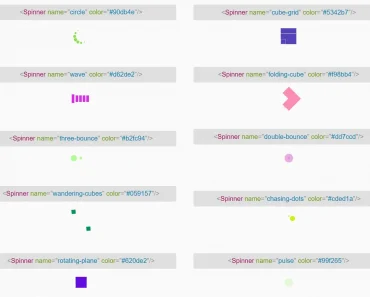
Install & Download:
Description:
Vue.js v3.x component for creating fully customizable full-screen loading indicators.
How to use it:
1. Import and import the component.
// As a component
import Loading from 'vue-loading-overlay';
import 'vue-loading-overlay/dist/vue-loading.css';
export default {
  // ...
  components: {
    Loading
  },
  // ...
}
// As a plugin
import {createApp} from 'vue';
import VueLoading from 'vue-loading-overlay';
import 'vue-loading-overlay/dist/vue-loading.css';
const app = createApp({});
app.use(VueLoading,{
// options here
});
app.mount('#app');2. Add a basic loading indicator to the app.
<!-- As a component -->
<loading />
// As a plugin
this.$loading.show({
  // Optional parameters
});
Preview:

Changelog:
v6.0.4 (02/18/2024)
- Bugfix
v6.0.3 (10/29/2022)
- Cleanup
v6.0.0 (10/29/2022)
- Remove plugin from default export
- Remove blur prop
- Change dist CSS file name
- Rename CSS class names
v5.0.3 (01/06/2022)
- fix: useLoading type declare
v5.0.3 (01/06/2022)
- fix: useLoading type declare
v5.0.2 (01/05/2022)
- Update
v5.0.1 (12/22/2021)
- Allow composition API usage