Install & Download:
# NPM
$ npm install vue-split-layout --save
Description:
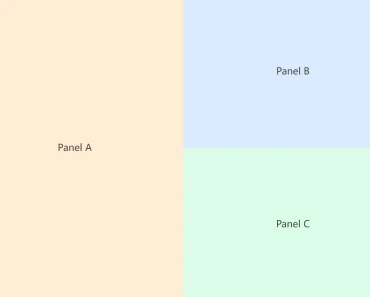
Yet another vue.js component to create a draggable and resizable split layout for your app.
How to use it:
1. Import and register the Split Drag Layout.
import {Layout,Pane} from 'vue-split-layout';export default {
components: {
Layout
}
// ...
}2. Add draggable & resizable panes to the Split Drag Layout.
<template>
  <div id="app">
    <Layout :resize="true" :edit="true" :splits="tree">
      <div class="view1"></div>
      <Pane title="pane">Content</Pane>
      <div class="view2"></div>
    </Layout>
  </div>
</template>
export default {
components: {
Layout
}
data () {
return {
tree: {
dir: 'horizontal',
first: {
dir: 'vertical',
first: 0,
second: 2
},
second: 1
}
}
}
}Preview:

Changelog:
v0.0.16 (12/20/2021)
- Add dragging class on views container when dragging