Install & Download:
Description:
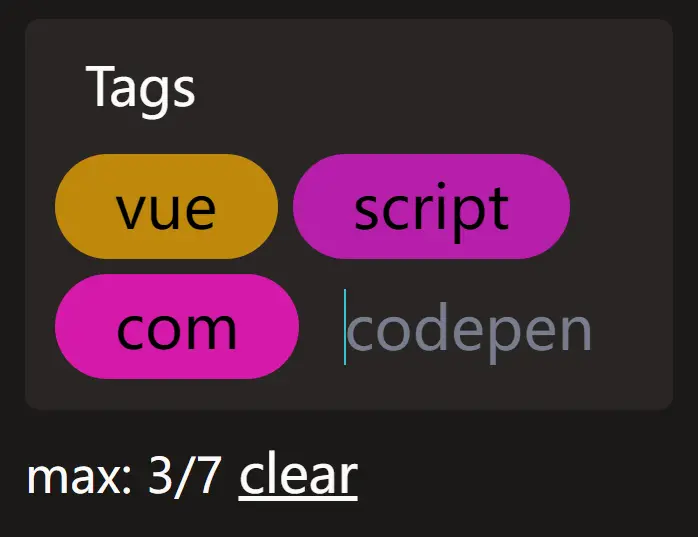
A tiny, customizable, animated tags input component for Vue.
How to use it:
1. Import and register the component.
import Chippy from 'chippy'
import 'chippy/lib/style.css'
2. Add the Chippy to the template.
<ChipInput
:label="'Tags:'"
:placeholder="'VueScript'"
/>
3. Define an array of suggestions for the autocomplete list.
<ChipInput
  :autocomplete="['vue', 'script', 'com']"
  :label="'Tags:'"
  :placeholder="'VueScript'"
/>
4. Set the maximum number of tags allowed to insert.
<ChipInput
  :autocomplete="['vue', 'script', 'com']"
  :label="'Tags:'"
  :placeholder="'VueScript'"
  :max-chips="5"
/>
Preview: