Install & Download:
# Yarn
$ yarn add vue-cobra
# NPM
$ npm install vue-cobra --save
Description:
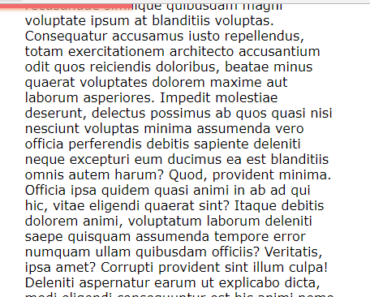
The Cobra component lets you display a customizable reading position indicator when you scroll through the document.
How to use it:
1. Import and register the component.
import vueCobra from "vue-cobra";
export default {
  name: "Demo",
  components: {
    vueCobra
  }
}
// or
import vueCobra from "vue-cobra";
Vue.component("vue-cobra", vueCobra);
2. Create a reading position indicator in the app template.
<template>
  <div>
    <vue-cobra
      :height="4"
      :zIndex="1000"
      color="#000"
      :opacity="1"
      position="top" // or 'bottom', 'left'
    />
  </div>
</template>
Preview:

Changelog:
02/28/2021
- v1.1.4