Install & Download:
# NPM
$ npm i vue-pswipe
Description:
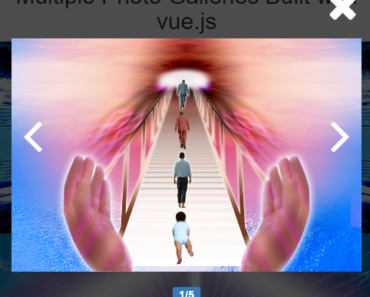
pswipe is a Vue component that helps you create a responsive, mobile-friendly image gallery/lightbox using the PhotoSwipe library.
How to use it:
1. Import and register the Photoswipe.
import Photoswipe from 'vue-pswipe'
Vue.use(Photoswipe, {
 // options
}
2. Add your own images to the Photoswipe component.
<template>
  <div>
    <Photoswipe>
      <img
        v-for="(src, index) in imageList"
        :key="index"
        :src="src"
        v-pswp="src"
        style="width: 200px"
      />
    </Photoswipe>
  </div>
</template>
export default {
data() {
return {
imageList: [
"https://placeimg.com/640/480/any",
"https://placeimg.com/640/481/any",
"https://placeimg.com/640/482/any",
],
};
},
methods: {
getImageItemStyle(src) {
return {
width: "200px",
height: "200px",
backgroundImage: `url(${src})`,
backgroundPosition: "center",
backgroundSize: "cover",
backgroundRepeat: "no-repeat",
};
},
handleClick() {
const pswp = this.$Pswp.open({
items: [
{
html:
'<div class="hello-slide"><h1>Hello world <a href="http://example.com">example.com</a></h1></div>',
},
{
src:
"https://farm4.staticflickr.com/3902/14985871946_24f47d4b53_h.jpg",
},
],
});
pswp.listen("close", () => {
console.log("emitted close");
});
},
},
};3. It also supports background images.
<Photoswipe>
  <div
    v-for="(src, index) in imageList"
    :key="`bg-${index}`"
    v-pswp="src"
    :style="getImageItemStyle(src)"
    style="display: inline-block"
  />
</Photoswipe>
Preview: