Install & Download:
# NPM
$ npm i @rmp135/vue-splitter
Description:
vue-splitter is a Vue 3 component that allows the creation of split views in Vue 3 applications. You can set up side-by-side or stacked panels that you can adjust to your liking.
Ideal for developers who need to compare two sets of data, view multiple files, or show different perspectives in their Vue projects.
How to use it:
1. Install and import the VueSplitter component.
# NPM
$ npm i @rmp135/vue-splitter
import VueSplitter from '@rmp135/vue-splitter'
2. Create a basic side-by-side split view.
<vue-splitter>
  <template #left-pane>
    <div>Left Content</div>
  </template>
  <template #right-pane>
    <div>Right Content</div>
  </template>
</vue-splitter>
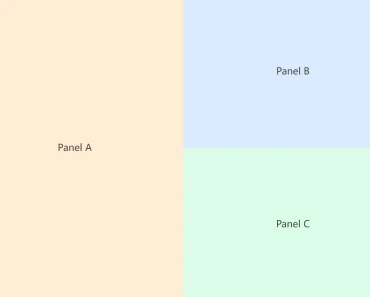
3. Nesting split views are supported as well.
<template>
  <vue-splitter>
    <template #left-pane>
      Left Content
    </template>
    <template #right-pane>
      <vue-splitter is-horizontal>
        <template #top-pane>
          Top Content
        </template>
        <template #bottom-pane>
          Bottom Content
        </template>
      </vue-splitter>
    </template>
  </vue-splitter>
</template>
4. Available props to customize the split view:
isHorizontal: boolean,
percent?: number,
initialPercent?: number | string,
5. Events.
<vue-splitter @update:percent="onUpdatePercent">
  ...
</vue-splitter>
<vue-splitter @splitter-click="onSplitterClick">
  ...
</vue-splitter>
Preview: