Install & Download:
# NPM
$ npm i @morioh/v-lightbox --save
Description:
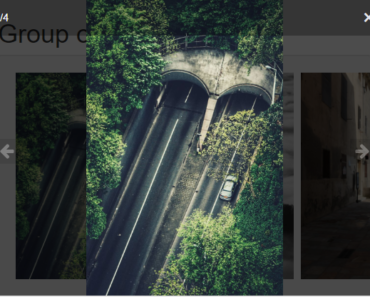
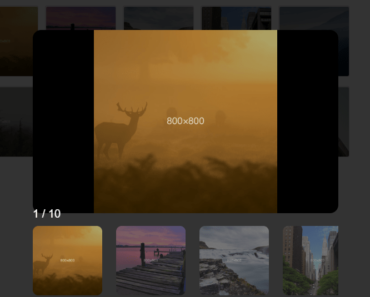
v-lightbox is a Vue.js component to display your images in a compact photo grid as you’ve seen on Facebook timeline.
Clicking/tapping an image will display all images in a navigatable lightbox gallery.
Basic usage:
1. Import necessary resources into your app.
import Vue from 'vue'
import Lightbox from '@morioh/v-lightbox'
// stylesheet
import '@morioh/v-lightbox/dist/lightbox.css';
2. Add the lightbox component to the template.
<lightbox :items="images"></lightbox>
3. Insert a list of images to the photo grid.
export default {
  data() {
    return {
      images: [
        "1.jpg",
        "2.jpg",
        "3.jpg",
        // more images here
      ],
    }
  }
}
4. All available props to customize the photo grid & lightbox.
items: {
  type: Array,
  default: () => { return [] }
},
css: {
  type: String,
  default: () => 'h-250 h-md-400 h-lg-600'
},
cells: {
  type: Number,
  default: () => 5
}
Preview: