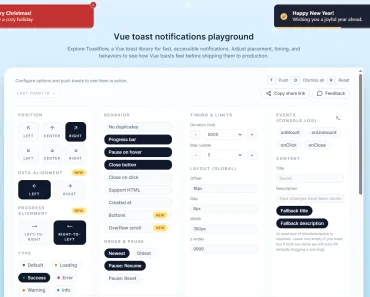
Install & Download:
# Yarn
$ yarn add vue-my-toasts
# NPM
$ npm i vue-my-toasts
Description:
Yet another toast notification component that supports both Vue 3 and Vue 2. Also compatible with the Tailwind and Bootstrap frameworks.
How to use it:
1. Import and register the toast component.
import VueMyToasts from 'vue-my-toasts'
import 'vue-my-toasts/dist/vue-my-toasts.css'
import YourToastComponent from '~/components/toasts/YourToastComponent'
Vue.use(VueMyToasts, {
  component: YourToastComponent,
  options: {
    // options here
  },
})
2. Import and register Tailwind or Bootstrap component if needed.
import BootstrapComponent from "vue-my-toasts/src/components/toasts/BootstrapComponent";
import TailwindComponent from 'vue-my-toasts/src/components/toasts/TailwindComponent';
Vue.use(VueMyToasts, {
  // component: BootstrapComponent,
  component: TailwindComponent,
  options: {
    // options here
  },
})
3. Create toast messages as follows:
- $toasts.base(‘message’, options)
- $toasts.success(‘message’, options)
- $toasts.warning(‘message’, options)
- $toasts.error(‘message’, options)
- $toasts.push(options)
- $toasts.remove(id)
- $toasts.updateConfig(newConfig)
export default {
  name: 'MyComponent',
  mounted() {
    // From helpers
    this.$toasts.success('This is my favorite toasts plugin.', {
      // Any other parameter...
    })
    // From base function
    this.$toasts.push({
      type: 'warning',
      message: 'This is definitely my favorite toasts plugin.',
      // Any other parameter...
    })
  },
}
4. Available options.
options: {
  // width of the toast box
  width: '400px',
  // bottom-right, bottom-left, top-right, top-left, top-middle, bottom-middle
  position: 'bottom-right',
  // space between toast boxes
  padding: '1rem',

},
Preview: