Install & Download:
# Vue 3
$ npm install splitpanes
# Vue 2
$ npm install splitpanes@legacy
Description:
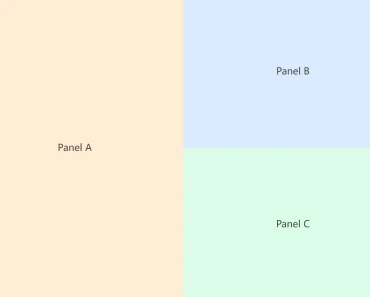
Splitpanes is a lightweight, responsive, and touch-ready panes splitter/resizer for Vue 3/2 applications.
How to use it (Vue 3):
1. Install and import the component/CSS.
import { Splitpanes, Pane } from 'splitpanes'
import 'splitpanes/dist/splitpanes.css'
export default {
  components: { Splitpanes, Pane },
}
2. Add the component to the template.
<splitpanes style="height: 400px">
  <pane min-size="20">1</pane>
  <pane>
    <splitpanes horizontal>
      <pane>2</pane>
      <pane>3</pane>
      <pane>4</pane>
    </splitpanes>
  </pane>
  <pane>5</pane>
</splitpanes>
3. Available props for Splitpanes.
horizontal: { type: Boolean },
pushOtherPanes: { type: Boolean, default: true },
dblClickSplitter: { type: Boolean, default: true },
rtl: { type: Boolean, default: false }, // Right to left direction.
firstSplitter: { type: Boolean }
4. Available props for Panel.
size: { type: [Number, String], default: null },
minSize: { type: [Number, String], default: 0 },
maxSize: { type: [Number, String], default: 100 }
Preview:

Changelog:
10/29/2022
- v3.1.5