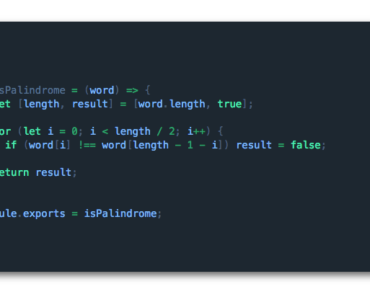
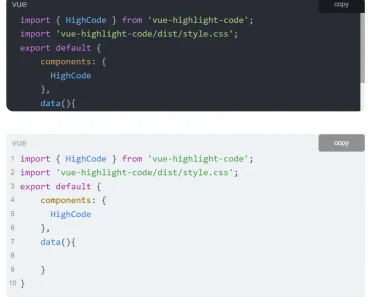
Install & Download:
# NPM
$ npm i simple-syntax-highlighter --save
Description:
A simple yet customizable syntax highlighter with code copy functionality for Vue.js 3/2 developers.
Supported languages:
- XML
- HTML
- HTML Vue JS Template
- Pug
- Javascript
- JSON
- CSS
- PHP
- MySQL
Basic Usage:
1. Import the Simple Syntax Highlighter.
import SshPre from 'simple-syntax-highlighter'
import 'simple-syntax-highlighter/dist/sshpre.css'
2. Register the component.
export default {
  components: { SshPre }
}
3. Wrap your code snippets into the ssh-pre component and determine the language in the language as follows:
<ssh-pre language="js" label="Javascript">
  Code Here
</ssh-pre>
4. Show a copy button inside the code box.
<ssh-pre language="javascript" copy-button @copied="onCopiedDoSomething">
  <template v-slot:copy-button>
    Copy Button Here
  </template>
  Code Here
</ssh-pre>
5. Enable the dark mode.
<ssh-pre language="js" dark label="Javascript">
  Code Here
</ssh-pre>
6. Make the code box reactive to variable changes.
<ssh-pre language="js" reactive label="Javascript">
  Code Here
</ssh-pre>
Preview:

Changelog:
v3.0.2 (05/15/2023)
- Update