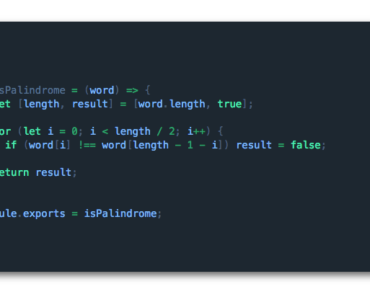
Install & Download:
# Yarn
$ yarn add highlight.js vue-highlight-code
# NPM
$ npm i highlight.js vue-highlight-code
Description:
A super easy code highlighting (syntax highlighter) component for Vue. Based on the highlight.js library.
How to use it:
1. Import and register the HighCode.
import { HighCode } from 'vue-highlight-code';
import 'vue-highlight-code/dist/style.css';
export default {
components: {
HighCode
},
data(){
// ...
}
}2. Add the component to the template.
<HighCode
  class="code"
  :codeValue="value"
  :theme="dark"
  :lang="vue"
  :maxHeight="height"
></HighCode>
<HighCode
  class="code"
  :codeValue="value"
  :theme="light"
  :lang="vue"
  :codeLines="true"
  :borderRadius="borderRadius"
></HighCode>
3. Available component props.
copy: {
  type: Boolean,
  default: true,
},
nameShow: {
  type: Boolean,
  default: true,
},
langName: {
  type: String,
  // default: '', // 'vue','html','css', ...
},
lang: {
  type: String,
  default: 'javascript',
  requied: true,
},
theme: {
  type: String,
  default: 'dark', // 'dark','light'
},
width: {
  type: String,
  default: '620px',
},
height: {
  type: String,
  default: '240px',
},
maxWidth: {
  type: String,
  default: '',
},
maxHeight: {
  type: String,
  default: '',
},
scrollStyleBool: {
  type: Boolean,
  default: true,
},
codeValue: {
  type: String,
  requied: true,
  default: '',
},
fontSize: {
  type: String,
  default: '18px',
},
codeLines: {
  type: Boolean,
  default: false,
},
borderRadius: {
  type: String,
  default: '12px',
},
readOnly: {
  type: Boolean,
  default: false,
},
autofocus: {
  type: Boolean,
  default: false,
},
textEditor: {
  type: Boolean,
  default: false,
},
Preview:

Changelog:
v0.1.13 (07/14/2022)
- feat: Provide online editing options
v0.1.11 (07/07/2022)
- fix: the style of Not nameShow and lang