A calendar is one of the most important components used to display tasks, schedules, appointments, and meetings in an elegant way.
This is a hand-picked list of the 7 best Vue.js components to help create various calendars you might need in the next Vue.js project. Have fun.
Originally published Feb 18 2020, updated Dec 11 2025
1. Clean And Lightweight Calendar Plugin For Vue.js – V-Calendar

A lightweight, dependency-free plugin for building attributed calendars in Vue.js.
Features:
- Display clean and simple attributed calendars
- Built-in support for various attributes, including
- highlighted regions
- indicators
- day content styles (hovered and non-hovered)
- Apply attributes over multiple dates or date ranges (start & end dates)
- Date-picker supporting all native v-calendar props/events with various selection modes
- single date
- multiple dates
- date range
- Extensive API with custom slot support
- Responsive and mobile-friendly
- Handles taps for date selection
- Handles swipes for month navigation
2. fullcalendar-vue

The official Vue 3 component for FullCalendar, a lightweight yet powerful and developer-friendly JavaScript library to create flexible, draggable event on the modern web app.
3. VueSimpleCalendar
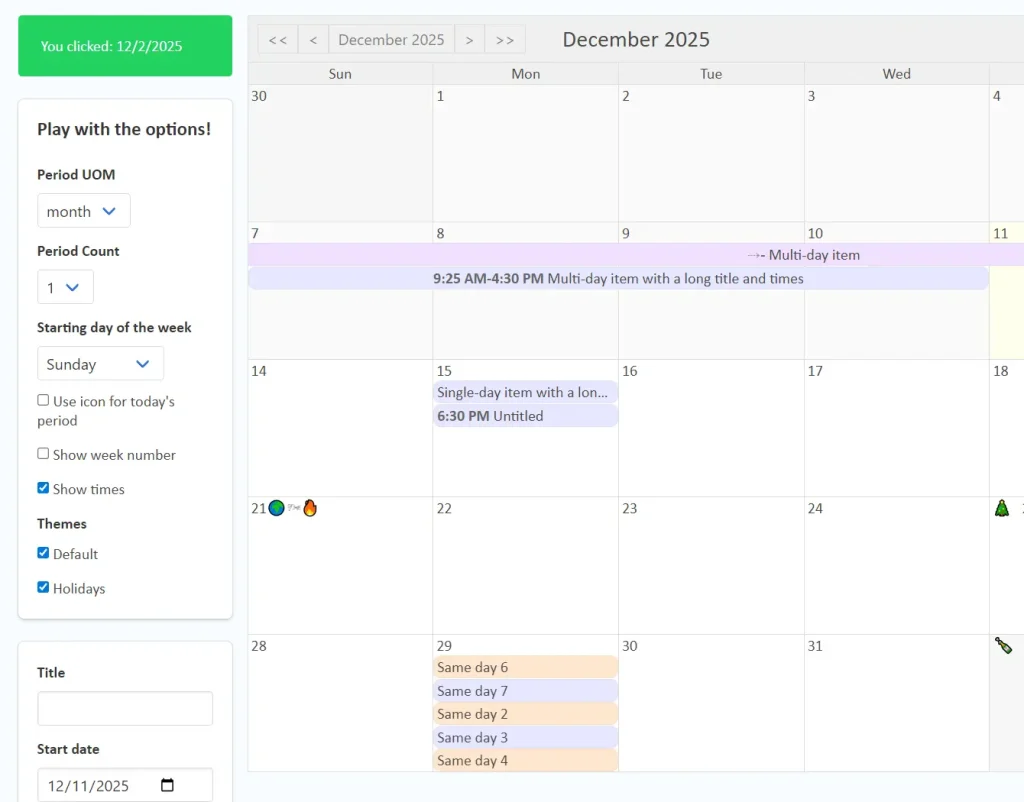
A flexible, themeable, lightweight calendar component for Vue that supports multi-day scheduled items.
Features:
- Shows a traditional month-grid calendar. Also supports weeks, years, or multiple weeks, months, or years.
- Can show scheduled “items,” including multi-day items, with an optional time of day.
- If there are too many items to see in a week, you can scroll to see the others.
- If there are too many weeks to see in the calendar component, you can scroll to see the others.
- Optional support for dragging and dropping items between dates.
- Automatic localization / internationalization (can be overridden).
- Lightweight!
- Flexbox layout (look ma, no tables!).
- No external dependencies (Moment, JQuery, etc.).
- Various user events (clicks, drags, etc.) are emitted by the calendar component.
- Weeks can start on any day of the week (defaults to Sunday).
- Easy to customize the theme (using CSS) to integrate with your own site
- Easy to customize using Vue slots
- Date range selection (programmatic or via user drag-select)
4. Modern Calendar And Datepicker For Vue – Functional Calendar

A lightweight, powerful, high-performance calendar & date picker component for Vue applications.
Features:
- Date Picker, Date Range, Multiple Calendars, Modal Calendar
- Lightweight, high-performance calendar component based on Vue.js
- Small memory usage, good performance, good style, and high scalability
- Native js development, no third-party library introduced
5. vue-cal
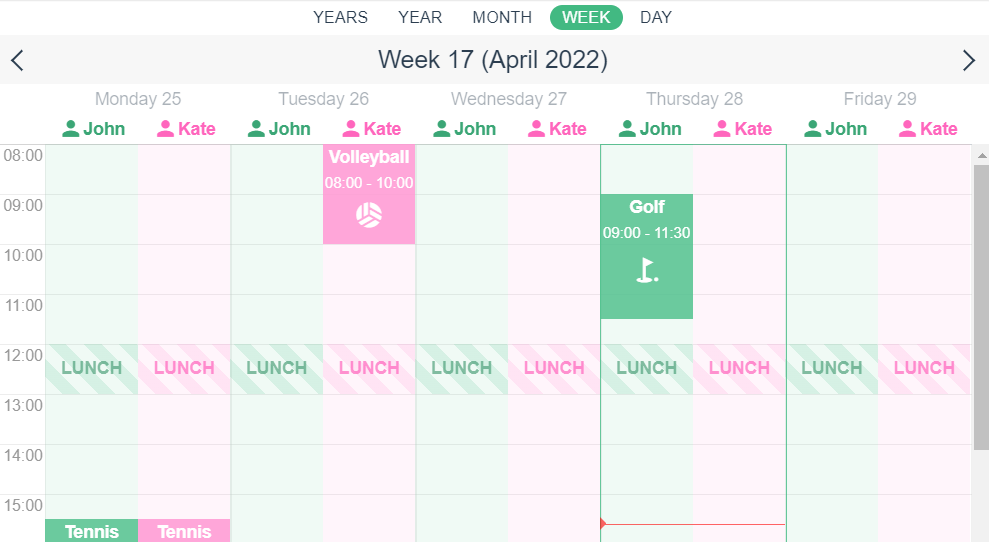
A draggable, responsive, animated event calendar component for Vue 3 or Vue 2 applications.
Features:
- Fully Responsive: Beautiful on any screen size.
- Customizable: Tailor colors, any kind of slots, and views to your needs. Attach all DOM events that you want.
- Multiple Views: Choose between day, week, and month views (and more!).
- Event Management: Add, edit, drag-and-drop, and resize events with ease.
- Lightweight & Fast: Built with performance in mind.
6. Full Featured Calendar Component For Vue.js – kalendar
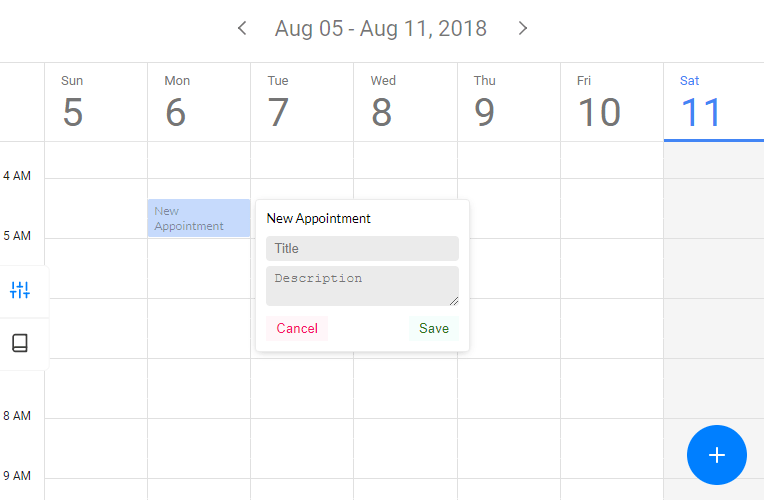
Full featured, responsive, lightweight calendar in the browser.
7. Pro Calendar
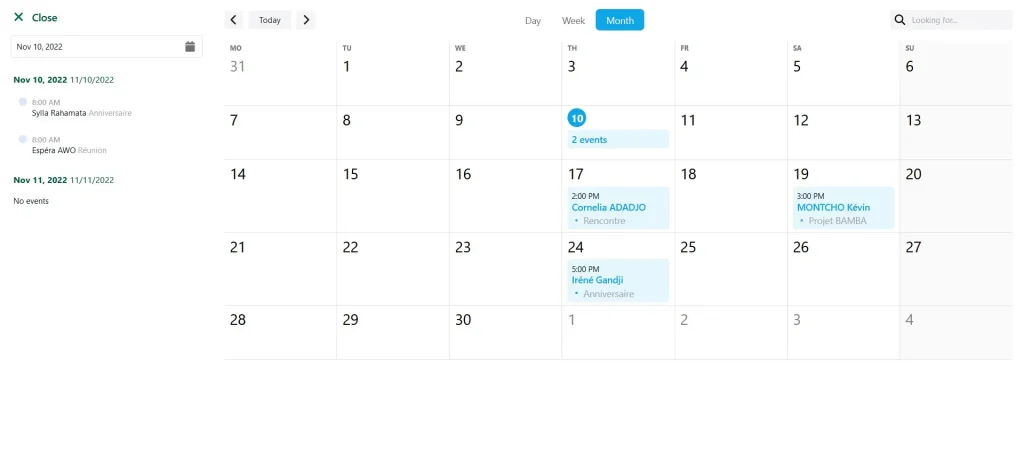
Another one Best Professional Calendar ever. Based on vite for Vue 3.
More Resources:
Looking for more JavaScript libraries and Vue.js components for modern web app design? Here are a few resources you might find useful:
- More Open-source Vue Calendar Components
- Calendar Plugins In Vanilla JavaScript
- Best JavaScript/jQuery Calendar Plugins For Scheduled Events