Autocomplete is a UI component that automatically shows a list populated with suggestions according to the value while typing in a text field.
Looking for a powerful autocomplete component to add to your Vue.js app? Look no further! In this post, we’ll take a look at 7 of the best autocomplete components available. We’ll discuss what each one offers and help you decide which is the best fit for your needs. So, whether you’re just getting started with Vue.js or are looking for an upgrade, read on for our top picks!
Originally published May 20 2020, updated Mar 10 2026
1. Vue.js Autosuggest Component
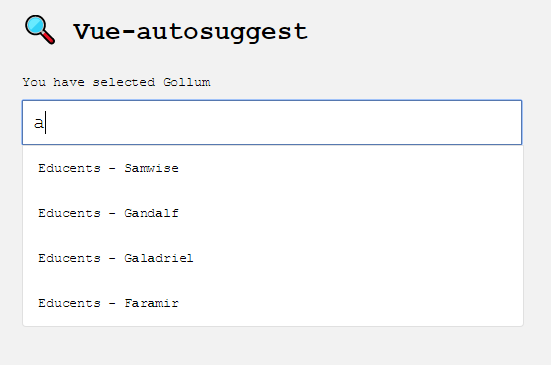
A minimal autocomplete/autosuggest component for input fields.
Features:
- WAI-ARIA complete autosuggest component built with the power of Vue.
- Full control over rendering with built in defaults or custom components for rendering.
- Easily integrate AJAX data fetching for list presentation.
- Supports multiple sections.
- No opinions on CSS, full control over styling.
- Rigorously tested.
2. Tags Input With Typeahead Support – vue-tagsinput

A simple-to-use yet fully configurable tags input Vue.js component that comes with a user-friendly autocomplete/typeahead functionality while typing.
3. Autocomplete Component For Vue.js – vue-simple-suggest
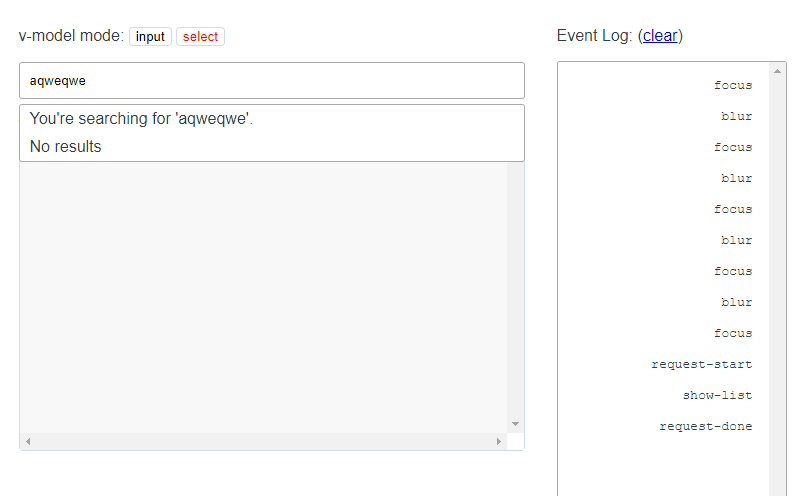
vue-simple-suggest is a simple yet feature-rich autocomplete component for Vue.js app.
4. Accessible Autocomplete Component for Vue & Vanilla JS

Accessible autocomplete component for vanilla JavaScript and Vue.
- Accessible, with full support for ARIA attributes and keyboard interactions.
- Available as a JavaScript or Vue component, with React coming soon.
- Core package available if you want to bring your own rendering layer.
- Customizable. Easily bring your own CSS, or take full control of the component rendering.
- Support for asynchronous data fetching.
5. Cool Flexible Select Component For Vue

Select with autocomplete, slots, Bootstrap and Material Design themes.
6. Simple Typeahead Component For Vue 3

A simple and lightweight Vue3 typeahead/autocomplete component that shows a suggested list of elements while the user types in.
7. Lightweight Autocomplete for Textareas in Vue 3
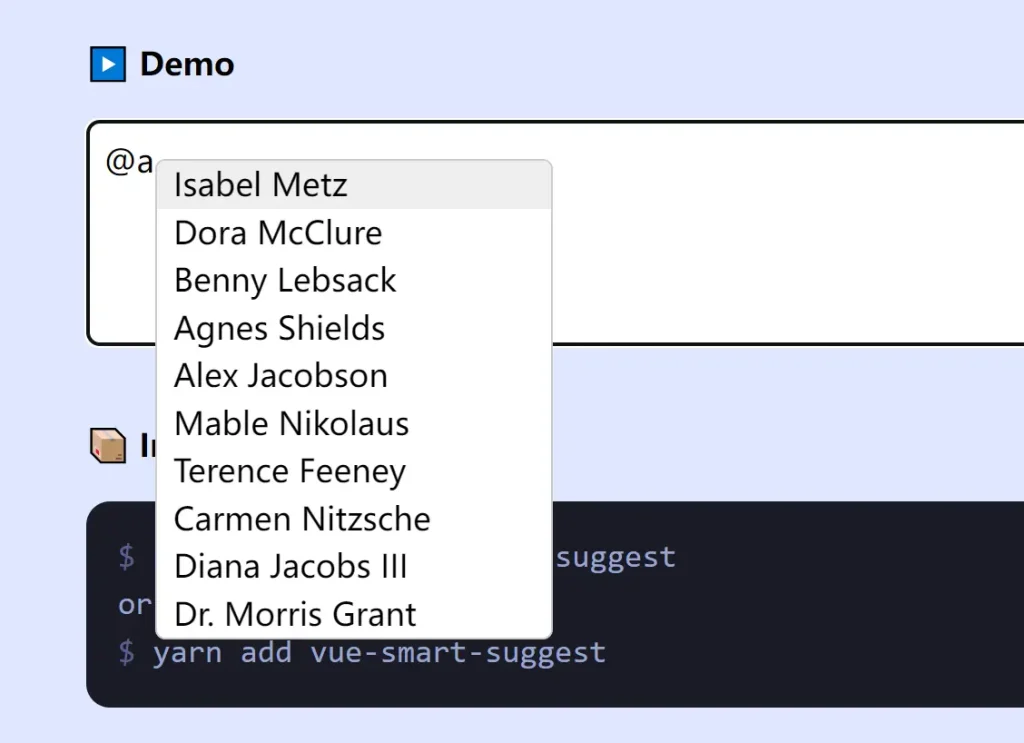
A lightweight Vue component that adds dynamic, context‑sensitive suggestions to textarea elements.
The component relies on the textarea-caret package to track cursor position and display suggestions at the right spot.
You can replace the default suggestion list with your own Vue components.
Features:
- Suggestions appear when the user types a trigger character like
@or#. - Pass your own Vue components to control how each suggestion looks.
- Uses the
textarea-caretlibrary to place the suggestion dropdown exactly where the cursor is. - Define triggers with a character and an array of items; additional options like filtering and async loading are available.
More Resources:
Looking for more JavaScript solutions to implement the autocomplete functionality on text boxes? Here are a few more resources available online:
- Vue.js Autocomplete Components
- 5 Best Autocomplete Libraries For Angular Applications
- 10 Best Autocomplete & Typeahead JavaScript Plugins
- 10 Best Autocomplete Components For React And React Native Apps