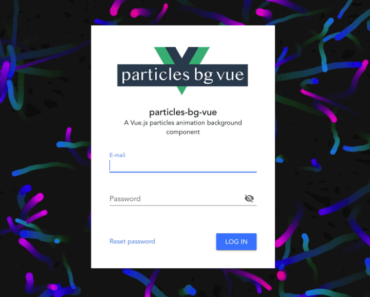
Install & Download:
# Yarn
$ yarn add vue-particlejs
# NPM
$ npm install vue-particlejs --save
Description:
ParticleJs is a Vue.js component to generate an animated interactive particle system on the app.
Based on the particles.js library.
How to use it:
1. Install and import the Vue ParticleJs package.
import Vue from 'vue';
import VueParticle from 'vue-particlejs';
2. Use the component in your templates.
<template>
  <div id="app">
  <div id='particle'></div>
    <VueParticle domId='particle' :config=myConfig/>
  </div>
</template>
3. Enable the particle system.
export default {
  name: "app",
  components: {
    VueParticle,
  },
  data: function() {
    return {
      myConfig:{
        // props here
      }
    };
  }
};
4. All default props to config the particle system.
particles: {
  color: '#fff',
  shape: 'circle',
  opacity: 1,
  size: 2.5,
  size_random: true,
  nb: 200,
  line_linked: {
    enable_auto: true,
    distance: 100,
    color: '#fff',
    opacity: 1,
    width: 1,
    condensed_mode: {
      enable: true,
      rotateX: 65000,
      rotateY: 65000
    }
  },
  anim: {
    enable: true,
    speed: 1
  },
  array: []
  },
  interactivity: {
    enable: true,
    mouse: {
      distance: 100
    },
    detect_on: 'canvas',
    mode: 'grab'
  },
  retina_detect: false,
  fn: {
    vendors:{
      interactivity: {}
    }
}
Preview: